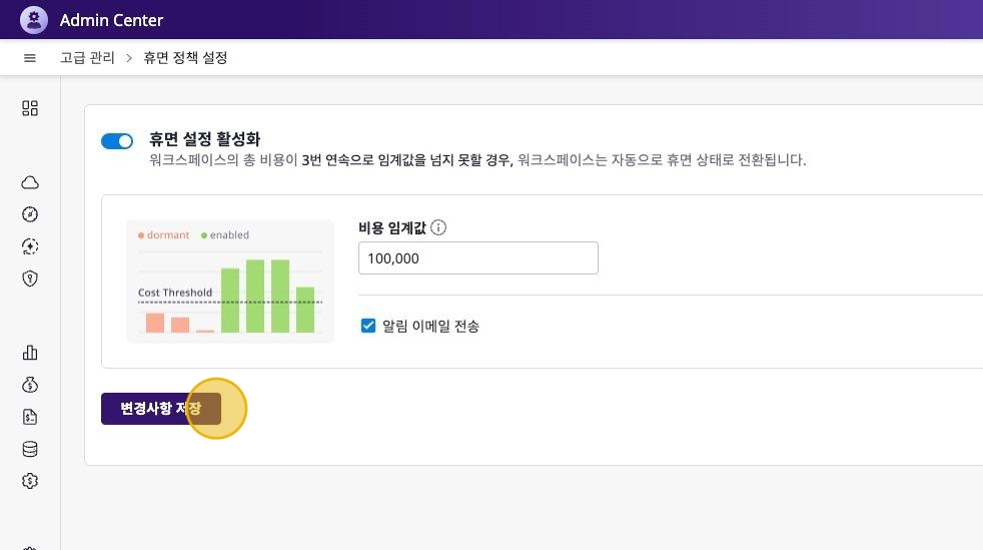
Workspace Dormancy Policy Settings
You can define dormancy transition criteria for all workspaces within the domain in the [Advanced Management > Dormancy Policy Settings] menu.
Configure Workspace Dormancy Policy
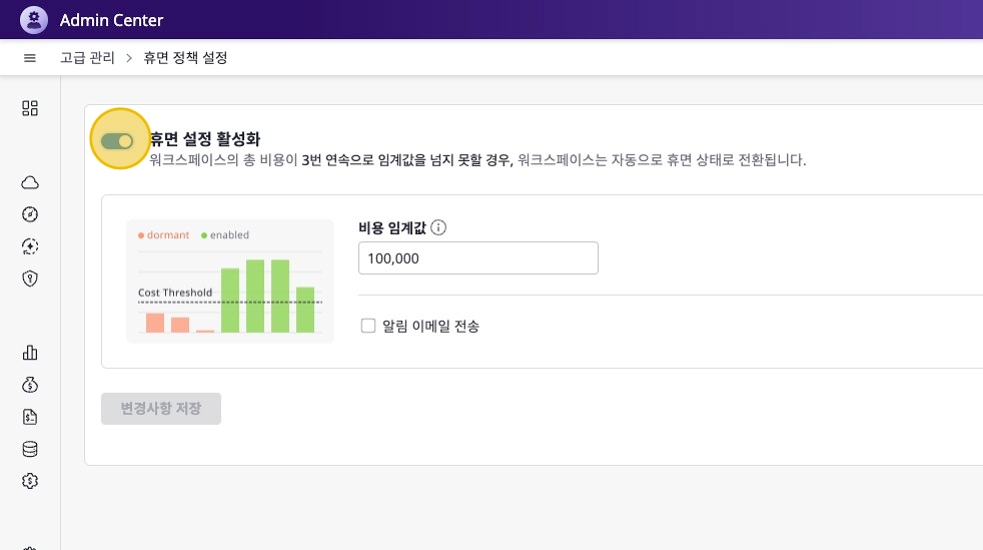
You can set workspaces to automatically transition to dormant status when their total cost falls below the set threshold three consecutive times.
Click [Enable Dormancy Settings] Button
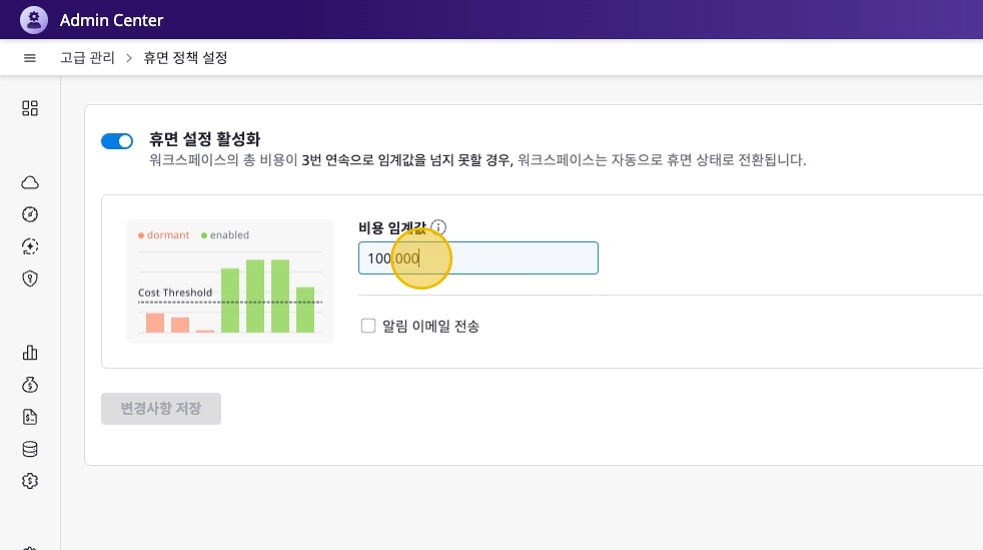
Enter Cost Threshold
Enter a cost threshold to set the baseline cost for workspace dormancy transition.
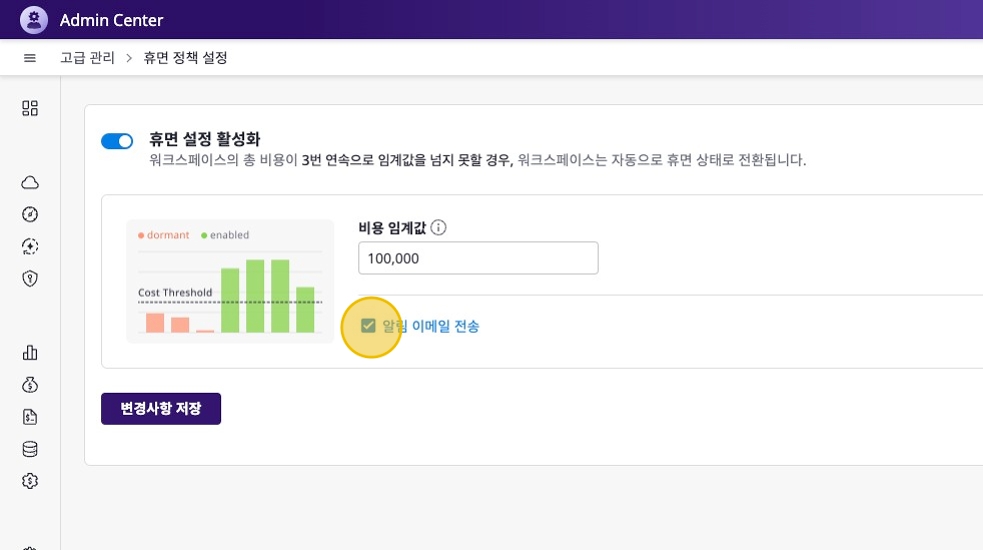
Configure Email Notification Settings
You can send notification emails each time the cost falls below the threshold. Click the checkbox if you want to enable email notifications.
When adding notification recipients, you can designate the following targets:
| Type | Eligible Targets |
|---|---|
| Role | Designate by role |
| User | Only Admin role users can be selected |
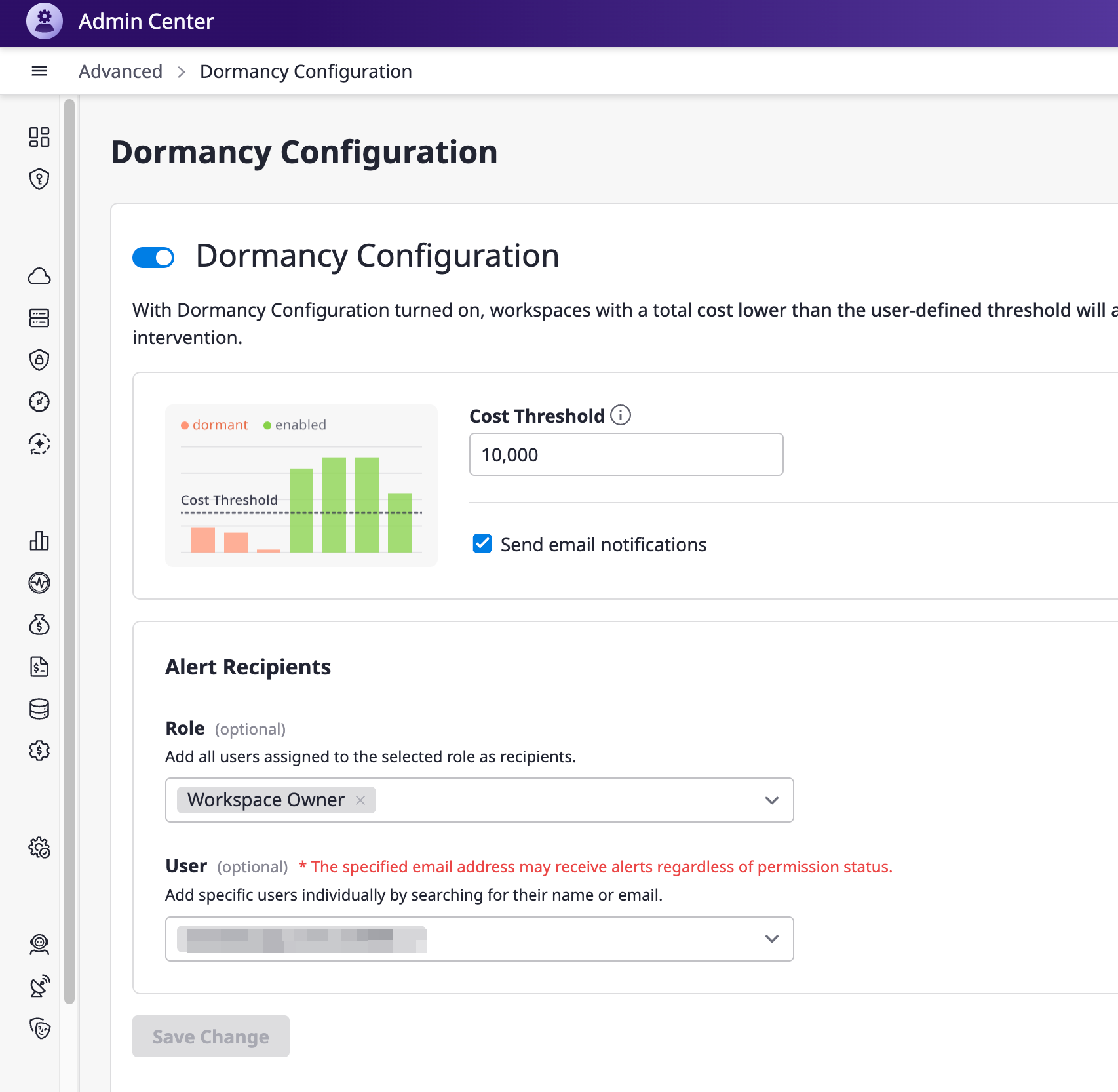
Save Changes
The dormancy policy setup is complete when you save the changes.